 GlirOS
Free · private · on your own device
An AI assistant that works on your own computer
GlirOS chats, writes and fixes code, translates whole files, edits video and sound, and makes pictures and 3D models — with AI models that run on your own PC or in your browser. What you write stays on your device unless you choose a cloud model.
Open GlirOS in the browserDownload for Windows
No account needed. The desktop app installs without admin rights.
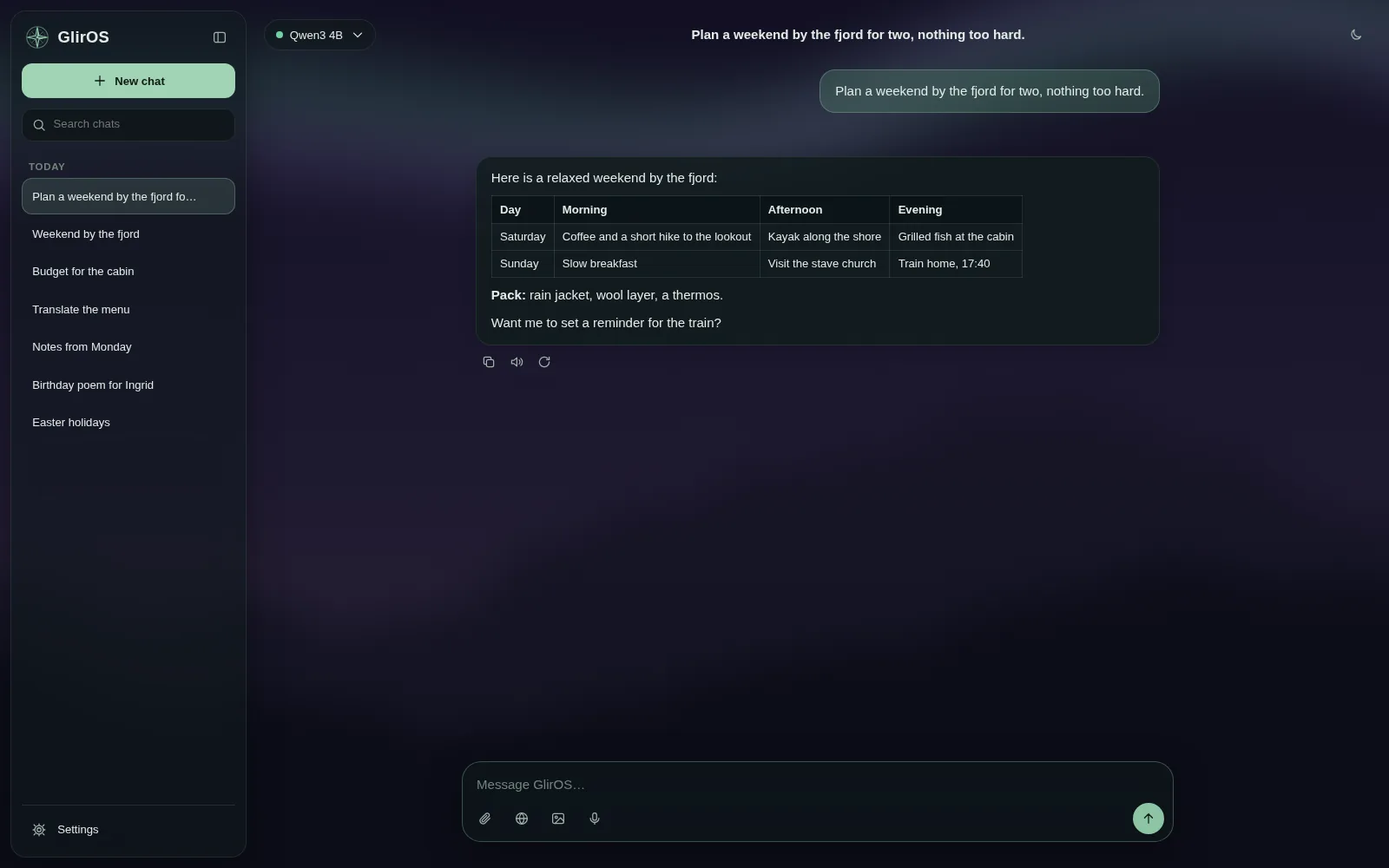
GlirOS in 25 seconds
Three short films of the web version.
 0:22Your AI. Your PC.Six languages, one switch that blocks all traffic, incognito chats and memory you control.
 0:18Tools, not guessesExact units and dates, reminders, and your calendar and notes on your own device.
 0:17Local or cloudYou choose. Your own key or your own server, web search with sources, and models on your device.
A chat that stays yours
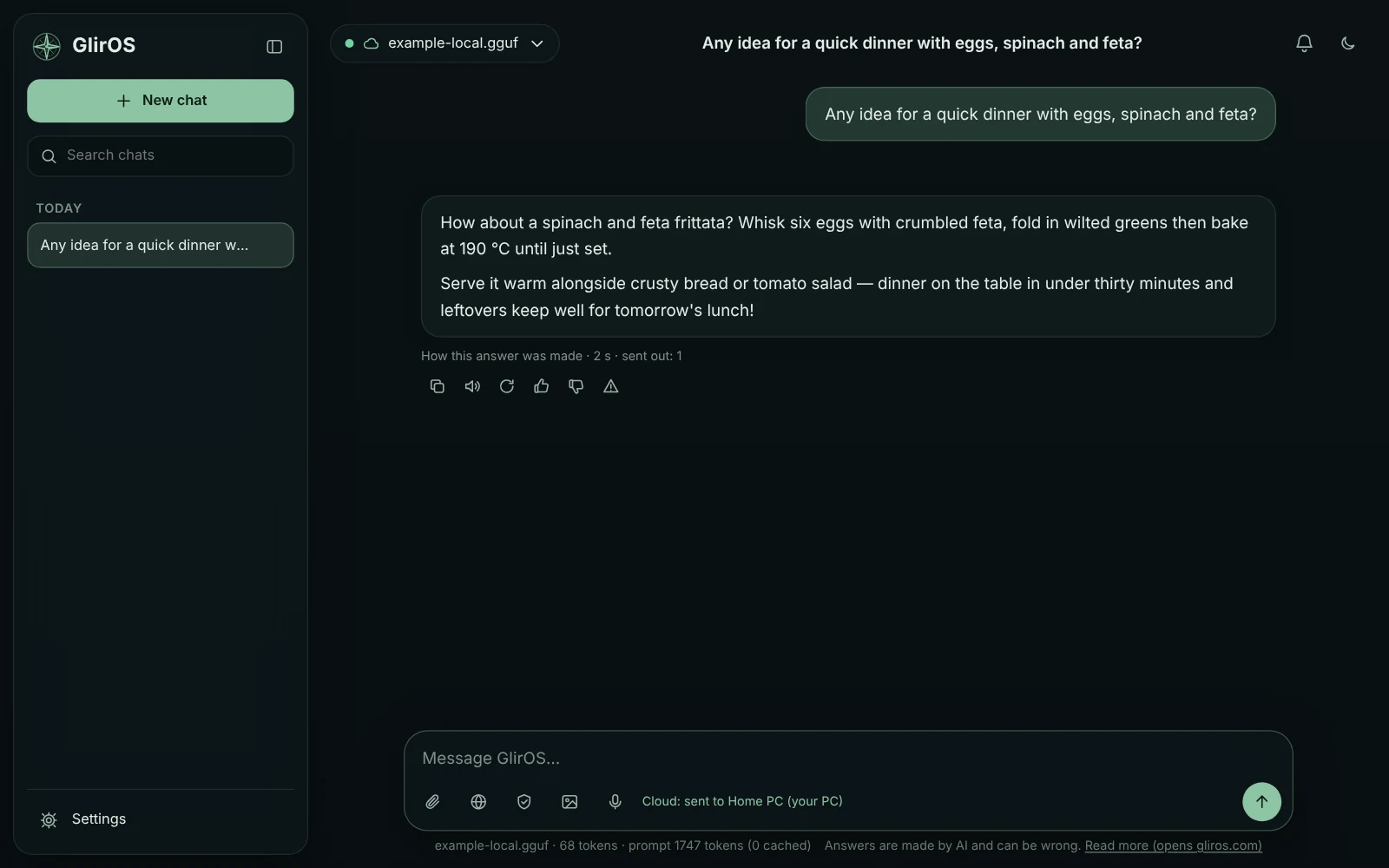
Chats, files and pictures are kept on your device. GlirOS searches the web when a question needs fresh facts and shows its sources, and splits big jobs into a plan you can follow step by step. Long chats never just stop: GlirOS condenses them and carries on. It checks the code it writes and has the model fix the errors, and each answer shows how it was made and what left your device. Work in projects, with a folder on your PC if you like.
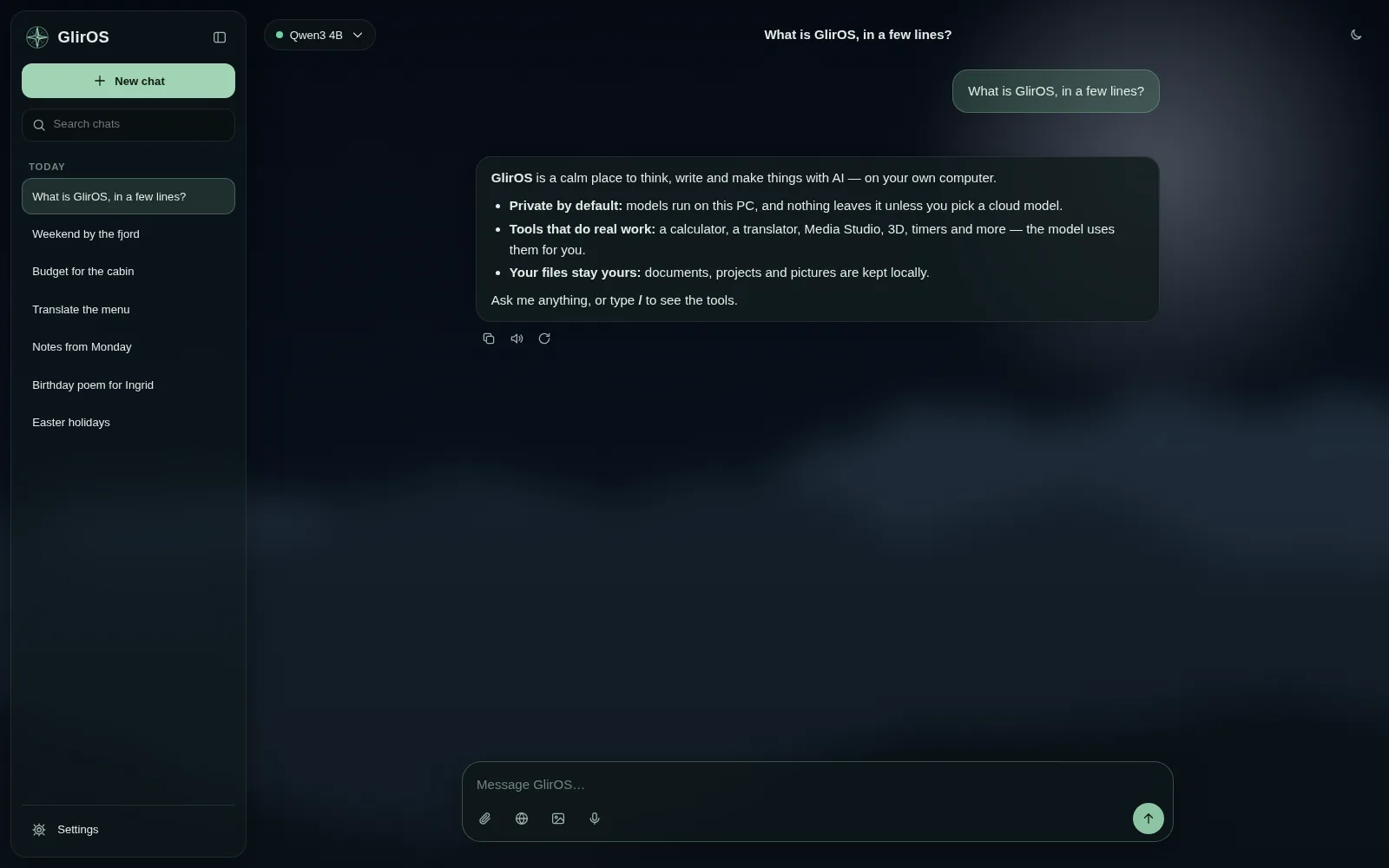
Tools for the exact work
A calculator when the sum must be right, a translator for whole files that keeps the layout, timers, a calendar, a trip planner, a media gallery for your folders, a teleprompter, circuits, SCORM courses and more — used by GlirOS itself when a question needs them, and able to tell you when a long job is done. Every tool shows you what it can do: simple examples first, harder ones when you’re ready. Make your own with the ToolMaker, or add community tools from a link.
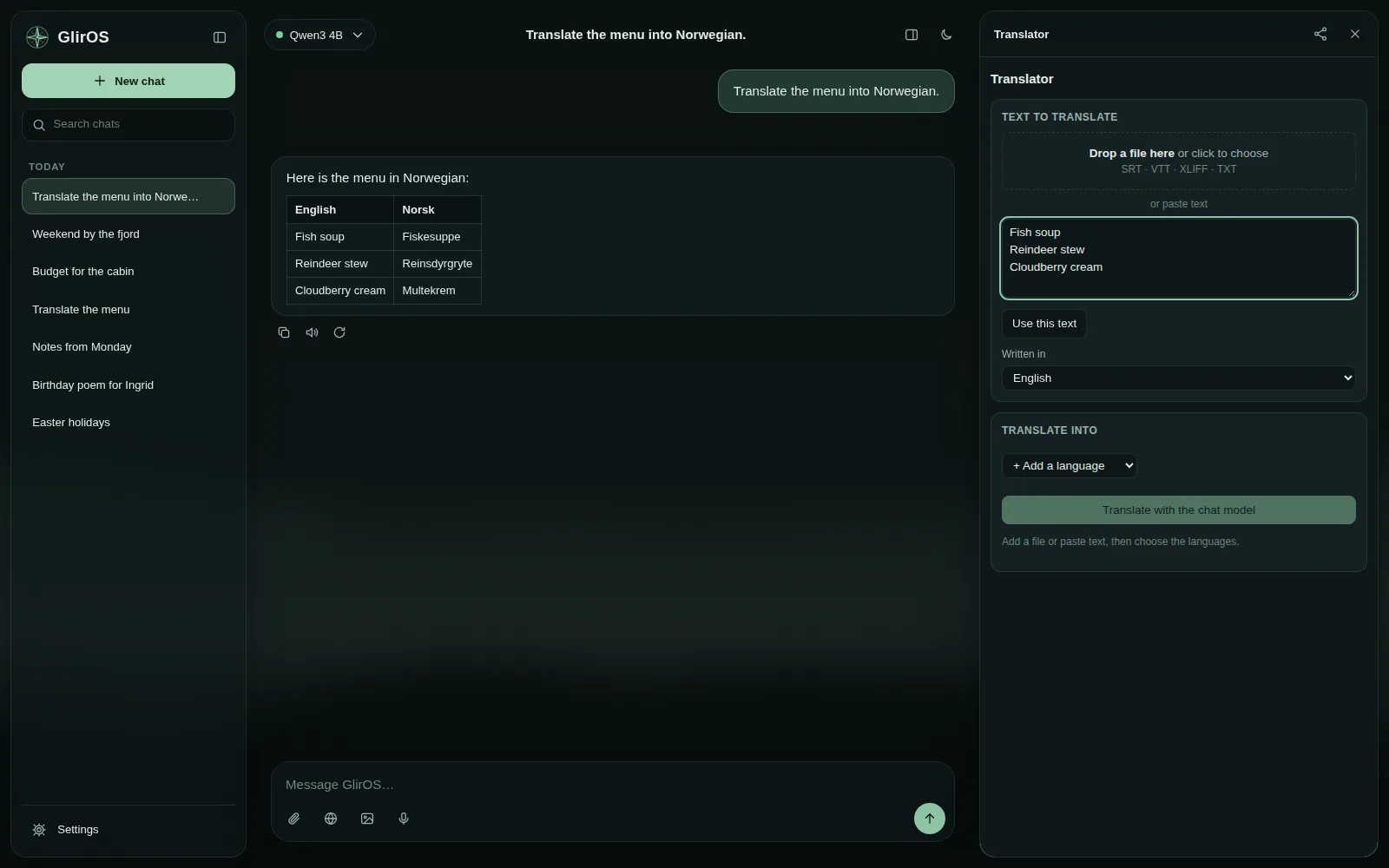
Media Studio
Cut, join, crop and convert video and sound on a timeline, add pictures, music and effect text, and grab a frame — ask in the chat or do it by hand. Long jobs can be paused or stopped and saved, and the bell tells you when they are done. Put your logo on any video or picture: just ask. In the browser for common formats; in the desktop app for every format, at full speed.
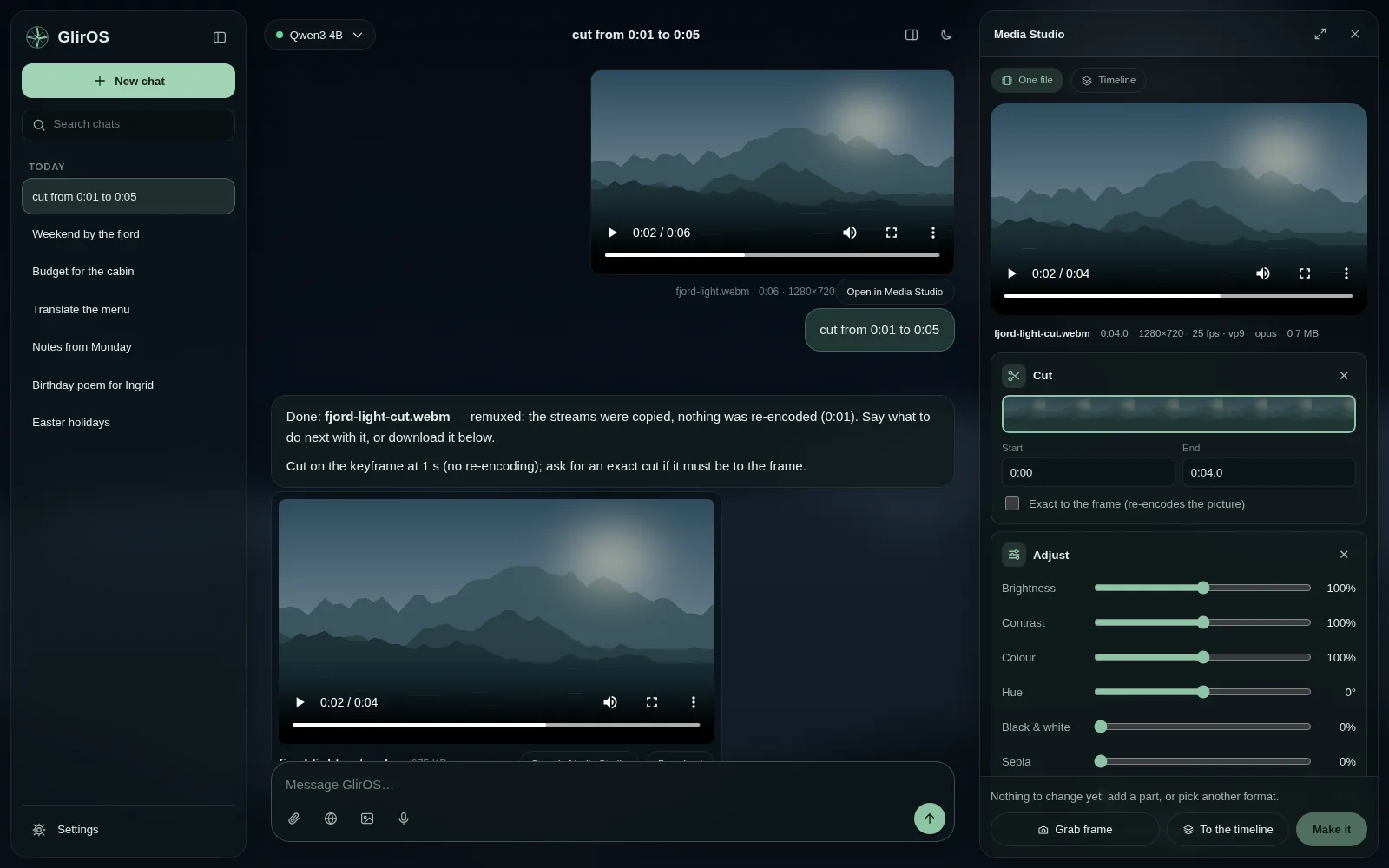
Animation
Short animated videos made on your own device: title cards, name bars, moving text, countdowns, charts that grow, quotes and slideshows, with effect sounds and your own music. Ask in the chat, then use the video in Media Studio, play it in the side panel or download it.
 0:05
Find the best model for you
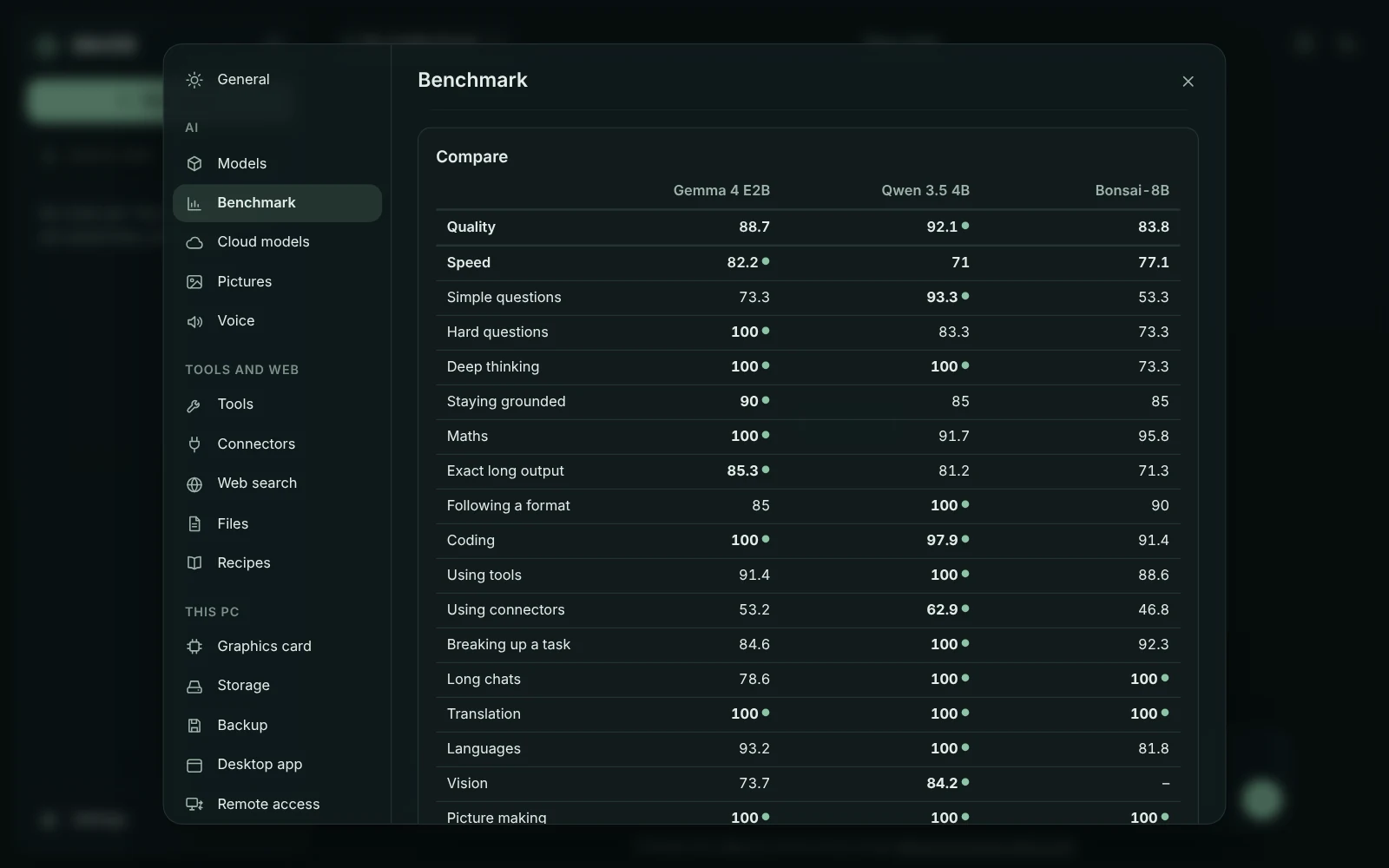
Let two or three models answer the same message side by side, or give any model, on your PC or in the cloud, the same fixed test and see how it scores.
Research a question in depth
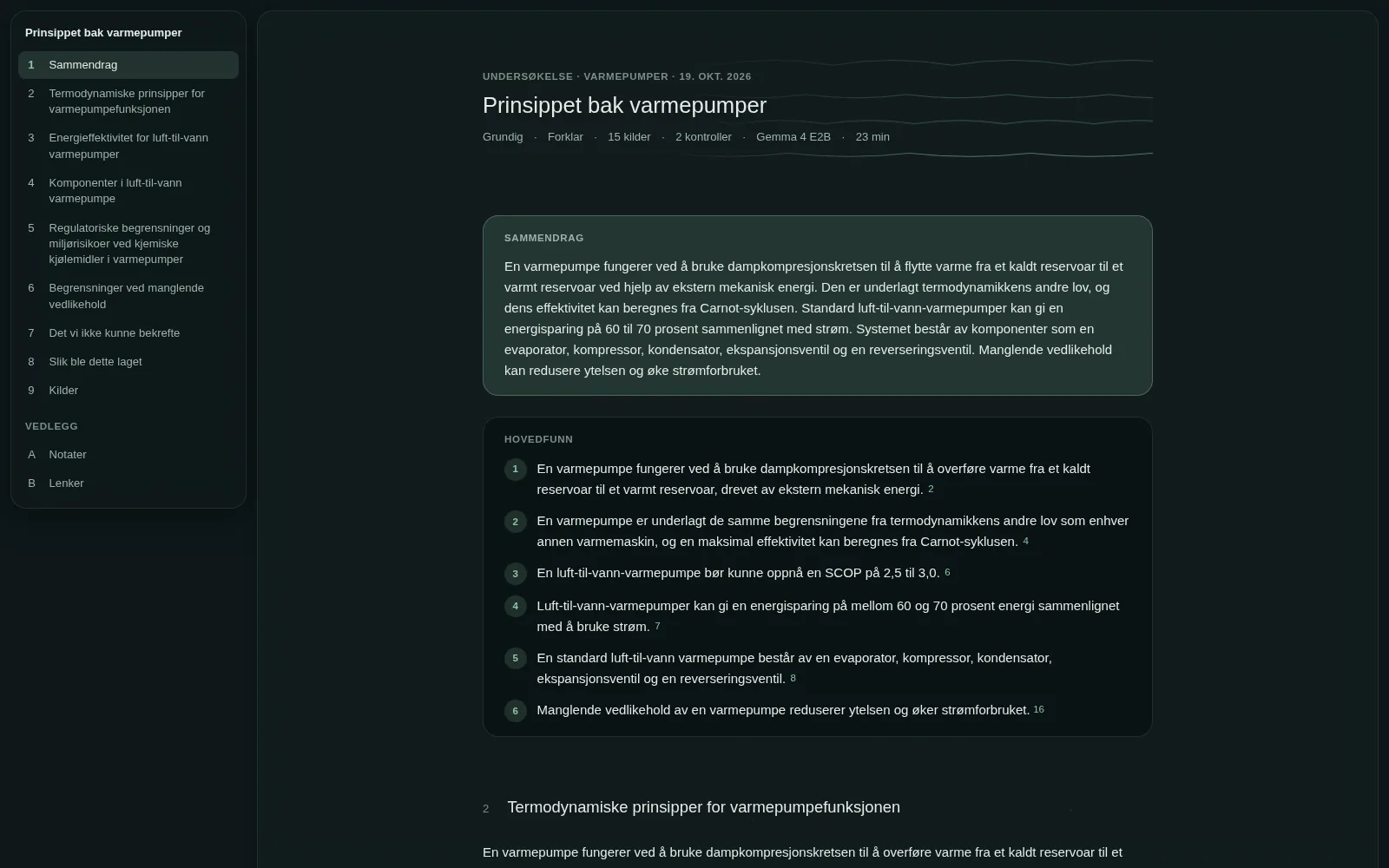
Give GlirOS a question that needs more than one answer. It plans it, reads the web and your project's own documents, checks its draft against the sources and writes a report with numbered sources. In the desktop app.
3D in the chat
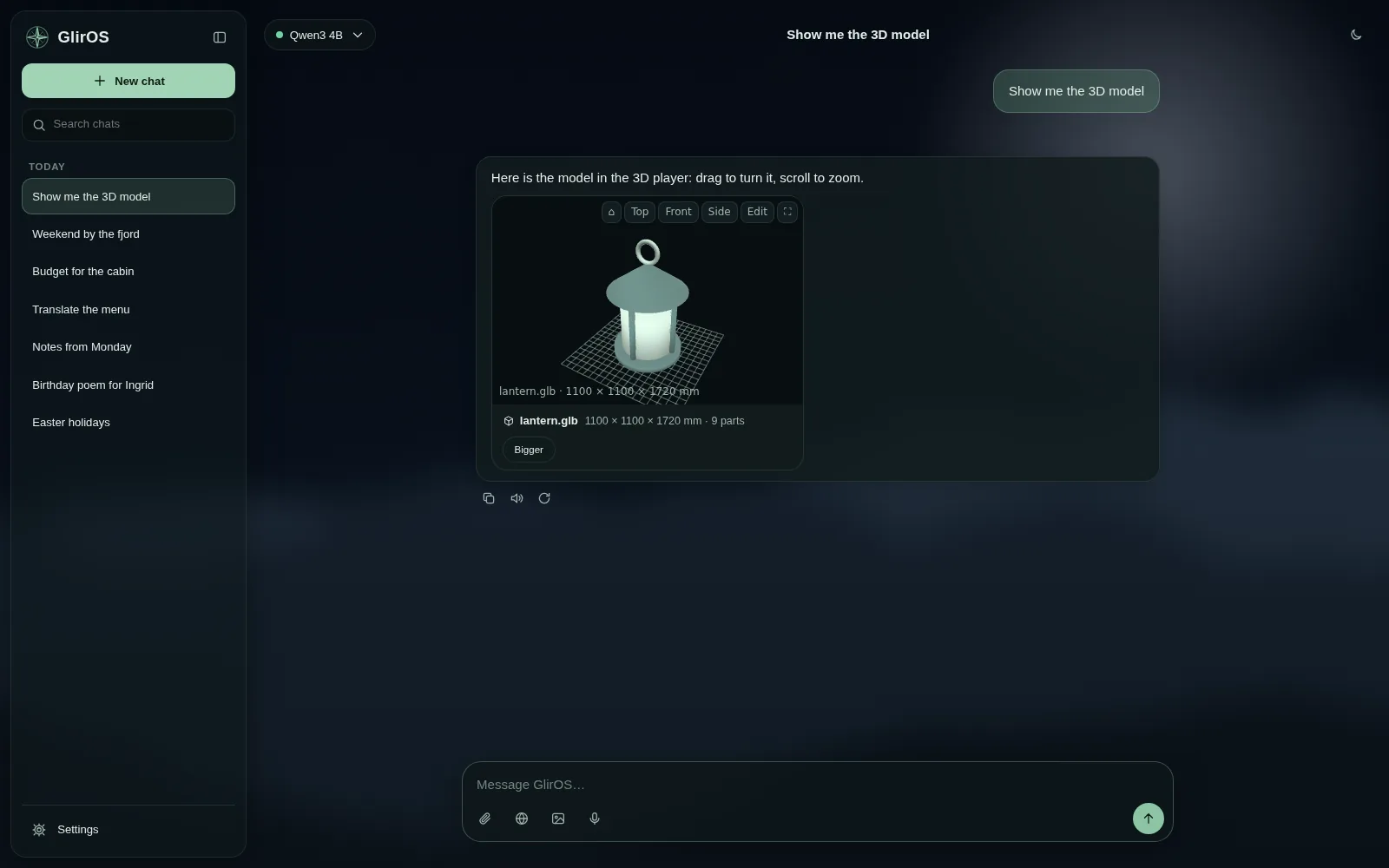
Open .glb, .gltf and .stl models right in a chat, build shapes with the 3D tool, and in the desktop app turn a picture into a 3D model.
The desktop app
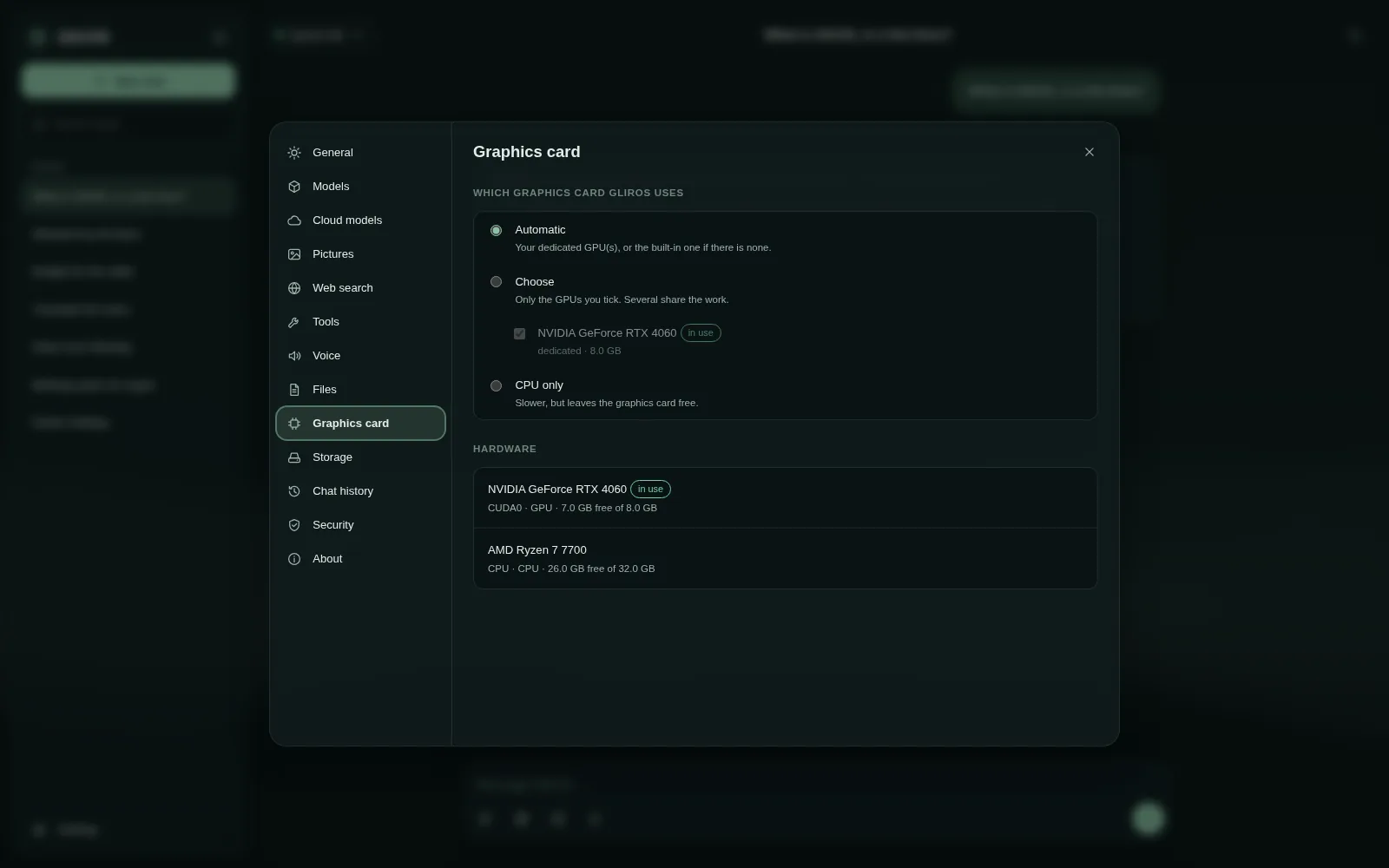
Bigger AI models on your own graphics card, fully offline once they are downloaded. Pictures made on your PC, the AI upscaler and face enhancer, natural voices, conversation mode, and a project folder the models can work in. It keeps working in the tray and tells you when something is done, and its benchmark tests any model on your PC. One download, no admin rights.
Your own PC, from anywhere
Link the desktop app to your GlirOS account and reach it from a browser while the PC is on — end-to-end encrypted, so the relay in between can’t read anything.
Browser or desktop?
In the browser
- Nothing to install — open gliros.com/app
- The GlirOS Helper runs on your device; bigger models on WebGPU
- Cloud models with your own API key
- Media work for common formats, and browser notifications if you allow them
- Install it on your phone or PC, with its own icon. Nothing to download from a store
- My calendar and My notes, kept in your browser for a year (no reminders yet)
Desktop app (Windows)
- Bigger models, faster, on your graphics card
- Works offline once its models are downloaded (web search, cloud models and online tools need the internet)
- Every video format, AI media add-ons, pictures on your PC
- Voices, conversation mode, project folders, remote access
- My calendar and My notes, kept on your PC, with reminders
What’s new · What changed in each version of GlirOS.
GlirOS is free
The apps, the account and GlirOS’s own tools cost nothing, and there are no ads and no trackers.
Your data stays yours: GlirOS keeps working offline with the models on your device, everything is on your own device, and you can back it up to an encrypted file you keep, in the desktop app and the web version. Nothing needs gliros.com to open it. Coming from ChatGPT? Bring your chats along.
Some tools made by other people may be sold by their makers. They are marked with the seller’s name and price, and you buy them from the seller, not from GlirOS. How paid tools work.